Quick verdict
Gaming lag and video-call stutter are usually a latency and congestion problem, not a coverage problem — full signal bars can still lag. Ethernet is the only complete fix. If wireless is your only option, buy mesh hardware that supports a wired backhaul or has Ethernet ports at every node, not a plug-in extender — an extender adds a second wireless hop, which typically makes latency worse, not better.
Our verdict
- Simplest wired-backhaul setup
- Amazon eero 6+ — ~$140–240 (check current)Check price on Amazon
- More wired ports per node (3 vs 2)
- TP-Link Deco X55 — ~$150–200 (check current)Check price on Amazon
The mesh systems that actually help with lag
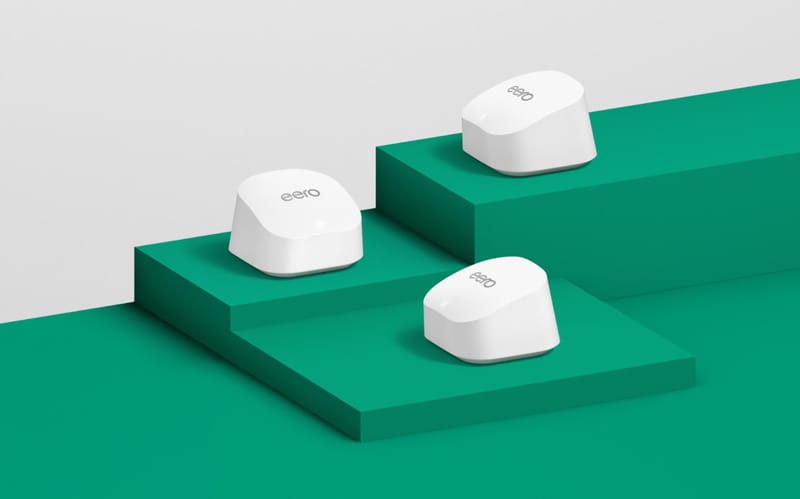
Amazon eero 6+
Simplest mesh fix for several weak rooms.
- Wi-Fi 6 dual-band, gigabit speeds
- 2-pack covers up to 3,000 sq ft
- 2 gigabit Ethernet ports per node
~$140–240 (check current)

TP-Link Deco X55
Mesh pick when Ethernet ports at desks or TVs matter.
- Wi-Fi 6 AX3000 dual-band
- 3-pack covers up to 6,500 sq ft
- 3 gigabit Ethernet ports per node
~$150–200 (check current)
Signal strength and lag are different problems
A speed test can look fine and a game can still lag, because bandwidth (how much data fits through) and latency (how fast each packet round-trips) are not the same measurement. A fast connection can still feel bad when several people in one apartment stream, game, and video-call at the same time — that is a congestion problem, and more Wi-Fi bars will not fix it. Two other common culprits: bufferbloat, where a saturated connection queues packets instead of dropping them, adding delay instead of an error; and Wi-Fi contention, where every extra device on the same band slows the round-trip time for everyone else.
Diagnose it in 10 minutes
Lag diagnosis checklist
- Run a ping test (not just a speed test) to a game server or a site like google.com while the lag is happening, and watch for spikes rather than a single average.
- Check whether the lag only happens when someone else on the network is streaming, uploading, or backing up a device.
- If your router shows both bands, try switching the gaming device to 5 GHz — 2.4 GHz is more crowded and more prone to retransmissions in multi-unit buildings.
- Temporarily run an Ethernet cable to the same spot and retest. If lag disappears, the problem is wireless, not your internet plan.
Fixes by cause
Apartment gaming-lag fixes by cause
| Situation | Best next step | Why it fits | Check first |
|---|---|---|---|
| Lag only when someone else streams or uploads | Turn on QoS or device-priority mode in the router/mesh app | Upload saturation delays real-time packets before they even leave the apartment | Whether your router or mesh app has a gaming or priority-device setting |
| Full signal bars but still laggy | Switch to 5 GHz or move closer to the router | 2.4 GHz carries farther but is more congested and has more retransmissions | That the gaming device actually supports 5 GHz |
| A plug-in extender sits in the path | Replace it with wired-backhaul mesh, or drop it for a short Ethernet run | An extender relays traffic over Wi-Fi twice, adding a hop of latency each direction | Whether a short, safely-routed Ethernet cable reaches the desk or console instead |
| Every device lags equally, even near the router | Treat it as a gateway or provider issue, not a Wi-Fi issue | No local network change fixes a bad upstream connection | The gateway app and the provider’s outage/status page |
| The desk or console has a nearby outlet or data jack | Run Ethernet | A wired connection removes Wi-Fi latency and contention entirely | A safe, no-trip cable path (see our cable management guide) |
Mistakes that make lag worse
- Buying a plug-in extender for a gaming setup — the extra wireless hop typically adds latency instead of removing it.
- Chasing a bigger speed-test number instead of testing ping and jitter — a fast download speed can still feel laggy in real time.
- Ignoring what else is competing for bandwidth on the same network: backups, streaming, cloud sync, a roommate’s video call.
- Skipping the wired-backhaul option on mesh systems that support it, even when a short Ethernet run between nodes is possible.
Sources checked
- Amazon eero 6+ official page — two gigabit ports per unit, wired backhaul supported
- TP-Link Deco X55 official page — three gigabit ports per unit, optional Ethernet backhaul
FAQ
Does more Wi-Fi speed fix gaming lag?
Not by itself. Speed (bandwidth) and lag (latency) are different measurements — a fast plan can still lag if the connection is congested, the router is far away, or traffic is routing through an extra wireless hop.
Is Ethernet really that much better than Wi-Fi for gaming?
Yes, for latency specifically. A wired connection removes Wi-Fi contention and retransmission delay entirely, which is why it is the only complete fix rather than just another upgrade.
Should I buy a gaming router?
Only after testing placement, band, and whether an extender is adding a hop. A “gaming” label does not fix a router that is hidden, far away, or fighting for a crowded 2.4 GHz channel. We do not currently cover any standalone or gaming-specific router, so we have no pick to name here — the mesh systems above are the only routers on this site.