Quick verdict
First figure out whether the Xfinity connection is dropping or Wi-Fi coverage is dropping. Mesh only helps the second problem. If wired Ethernet or near-gateway tests fail, treat it as a gateway, coax, provider, or building issue and buy nothing yet.
Xfinity drop triage table
Is it Xfinity, the gateway, Wi-Fi coverage, or one device?
| Situation | Likely bucket | What to do next | Do not buy yet if |
|---|---|---|---|
| Everything drops at once | Gateway, provider line, outage, coax, or building issue | Restart gateway, check outage status, note timestamps, test wired if possible | Wired or near-gateway tests fail |
| Good near gateway, bad in one room | Wi-Fi coverage or interference | Move gateway/router into open air and map weak rooms | The only fix tried so far is restarting |
| Only one device drops | Device/app/band/adapter issue | Restart and update that device; compare with another device | Other devices are stable |
| Evenings are worse | Congestion or provider peak-time issue | Compare near-gateway and problem-room tests at the same time | Near-gateway speeds also collapse |
| Gateway is hot or buried | Ventilation/placement problem | Move it into open air and retest | A free placement change has not been tested |
Step 1: restart, then watch what fails
A restart gives you a clean test point. If the connection drops again, write down the time, which devices failed, and whether the Xfinity app showed a service problem. Everything dropping at once — including anything wired — points to the gateway or provider line; one room or device failing points to placement or that device.
Step 2: check visible coax and cables
Check coax is firm at the wall and gateway, Ethernet cables click fully in, cords are not pinched, and the gateway has ventilation. If a wall plate or splitter looks damaged, contact Xfinity or building maintenance instead of opening it yourself.
Step 3: test close to the gateway
Run the task that normally fails near the gateway, then in the room where drops happen.
Evidence to collect before contacting support
- Drop timestamps and whether all devices failed or only one room/device.
- Near-gateway result and problem-room result from the same device.
- Whether a wired Ethernet device also drops, if you can test one.
- Gateway model and whether it is hot, hidden, or in a cabinet.
- Visible coax setup: direct wall connection, splitter, loose wall plate, or pinched cable.
- Xfinity app/outage status at the time of the issue.
Our verdict
- If one room drops
- TP-Link RE315 — ~$25–40 (check current)Check price on Amazon
- If several rooms drop
- Amazon eero 6+ — ~$140–240 (check current)Check price on Amazon
Gear to consider only after the tests
If the connection is stable near the gateway but weak in other rooms, the problem is coverage — and only then is hardware worth buying.
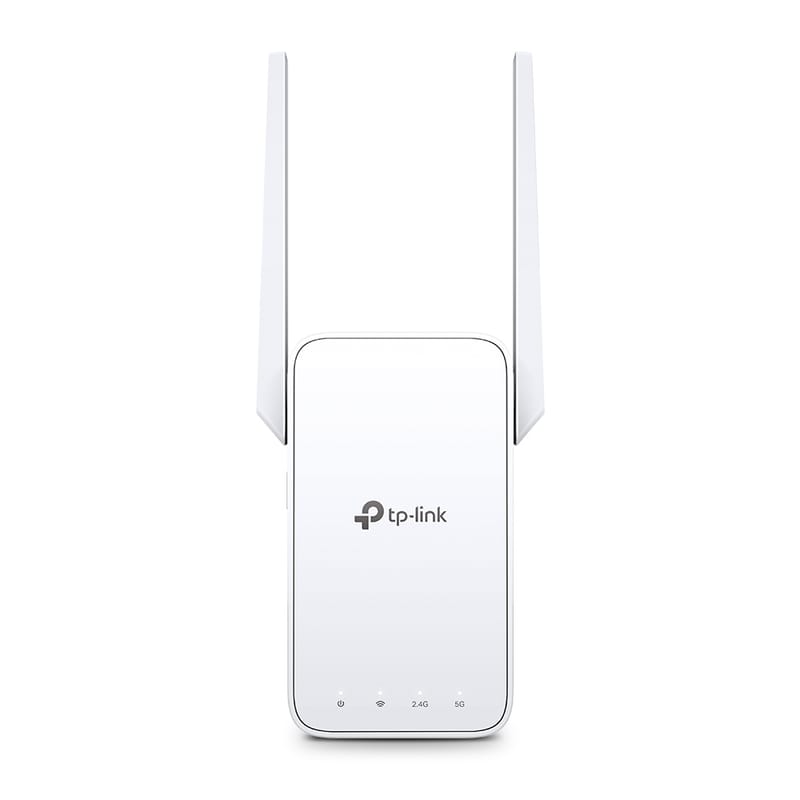
TP-Link RE315
Cheap one-room fix when a halfway outlet has signal.
- AC1200 dual-band extender
- 1 Fast Ethernet port
- OneMesh-compatible with TP-Link routers
~$25–40 (check current)
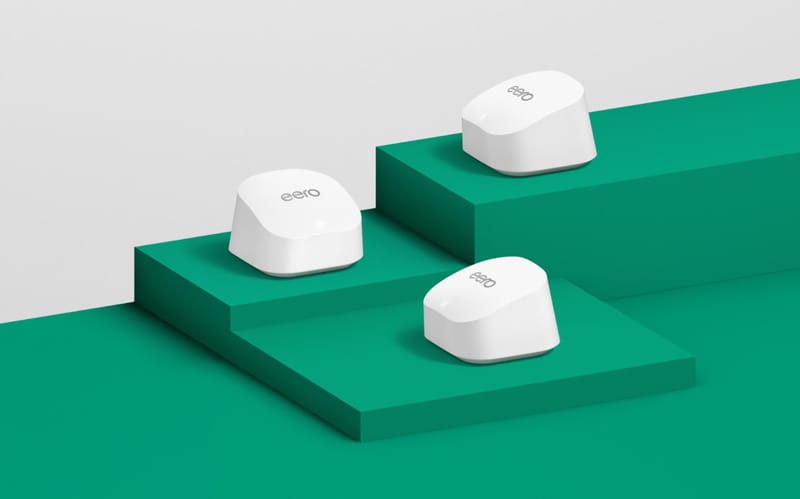
Amazon eero 6+
Simplest mesh fix for several weak rooms.
- Wi-Fi 6 dual-band, gigabit speeds
- 2-pack covers up to 3,000 sq ft
- 2 gigabit Ethernet ports per node
~$140–240 (check current)
When to contact Xfinity or building support
Escalate when drops continue after restart and cable checks, wired Ethernet also fails, the Xfinity app reports signal problems, wiring looks damaged, or neighbors report the same issue.
Sources checked
- Xfinity Support: Internet and WiFi connection troubleshooting
- Xfinity Support: How to restart your Xfinity Gateway
- TP-Link RE315 official page
- Amazon eero 6+ official page
FAQ
Can a loose coax wall plate cause internet drops?
It can be a suspect, but do not assume it is the cause. Check visible cable tightness first and contact Xfinity or building support if the wall plate, splitter, or wiring looks damaged.
Will mesh Wi-Fi fix Xfinity drops?
Only if the drops are really Wi-Fi coverage problems. If the gateway, coax line, or provider connection is dropping, mesh will not fix the root issue.
Should renters open the wall plate to troubleshoot?
Usually no. Visible cable checks are fine, but modifying wall plates or provider wiring can create lease, safety, or service problems.