Quick verdict
Put the router high, open, and as central as your apartment allows — usually an open shelf with a clear path toward the rooms where you work and stream. Only buy hardware if placement fails. If you are not sure placement is your problem at all, start with Apartment Wi-Fi Solutions to match the symptom to the fix.
Our verdict
- If one room stays weak
- TP-Link RE315 — ~$25–40 (check current)Check price on Amazon
- If several rooms stay weak
- Amazon eero 6+ — ~$140–240 (check current)Check price on Amazon
When placement is not enough
What to do after placement tests
| Situation | Likely issue | Next move | Do not buy yet if |
|---|---|---|---|
| One weak room | Distance or one wall path | Compare extender placement or temporary Ethernet | The extender would sit inside the dead zone |
| Several weak rooms | Coverage/layout problem | Compare a two-node mesh setup | Near-router tests are also bad |
| Bad everywhere | Gateway, provider, modem, or plan issue | Restart, check cables, contact provider | Wired or near-router tests fail |
| Calls or games lag | Latency, upload congestion, or weak signal | Try Ethernet before more wireless hardware | A safe cable route is available |
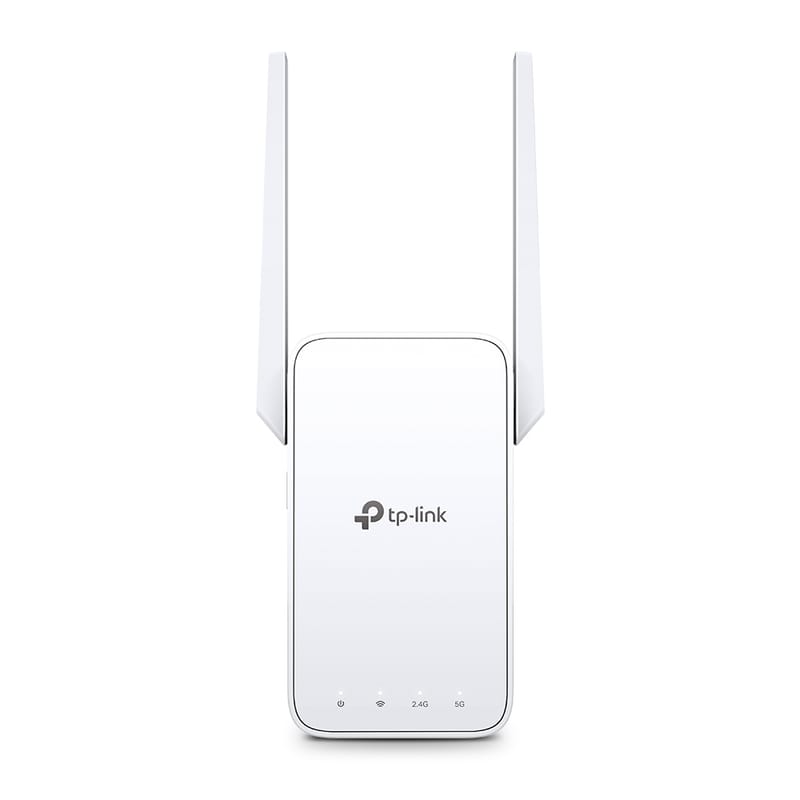
TP-Link RE315
Cheap one-room fix when a halfway outlet has signal.
- AC1200 dual-band extender
- 1 Fast Ethernet port
- OneMesh-compatible with TP-Link routers
~$25–40 (check current)
Best router spot by apartment layout
Apartment router placement by layout
| Situation | Best starting spot | Why it works | Watch out for |
|---|---|---|---|
| Studio | Open shelf near the main living/work zone | One good central position can cover the whole unit | TV cabinets, metal shelving, and floor corners |
| One-bedroom | Between living room and bedroom if cable allows | Keeps signal from starting at one far end | Bedroom doors, closets, and mirrors |
| Two-bedroom | Central living area or hallway-facing shelf | Reduces distance to both bedrooms | Router trapped at the TV/coax jack |
| Long hallway / railroad layout | As close to the midpoint as allowed | Cuts down the longest weak path | Putting mesh/extenders inside the dead zone |
| Concrete or brick building | Open area with the least dense wall path | Dense walls can overpower raw router specs | Expecting one router to punch through every wall |
Bad router spots that look convenient
- Behind the TV or inside a media cabinet: bad for signal and heat.
- On the floor, or in a closet or utility nook: among the worst positions.
- Kitchen counters, mirrors, fish tanks, metal shelving: these block, reflect, or absorb signal.
10-minute placement test
Test before buying mesh or an extender
- Run one near-router test using the device you normally use.
- Move the router into the open and higher up, then retest the weak room.
- If the weak room improves, placement is part of the problem.
- If near-router tests are still bad, troubleshoot the gateway/provider before buying coverage gear.
If the internet jack is in the wrong room
Try a longer, safely routed cable before new hardware. Do not drill, staple cables through trim, or modify provider wiring — use temporary routing and removable clips, and contact building support if the jack looks damaged.
Sources checked
FAQ
Should a router be on the floor?
No, not if you can avoid it. A shelf, console, or open table is better than the floor.
Should I put the router near the TV?
Near the TV can be fine, but behind the TV or inside a media cabinet is usually worse.
Can router placement fix slow internet?
It can fix weak Wi-Fi coverage. It cannot fix a bad provider connection, overloaded plan, bad wiring, or failing gateway.