Quick answer
Start with the TP-Link Kasa KP125M smart plug — it automates lamps and routines with zero wiring changes and moves out with you. Add the Eve Door & Window sensor if you run an Apple/Matter setup, and the TP-Link Tapo C120 camera only for private, lease-safe spots.
Our verdict
- Best first buy
- TP-Link Kasa KP125M (4-pack) — ~$40–50 (check current)Check price on Amazon
- Best sensor
- Eve Door & Window — ~$35–50 (check current)Check price on Amazon
- Best camera
- TP-Link Tapo C120 — ~$25–45 (check current)Check price on Amazon
The products to start with
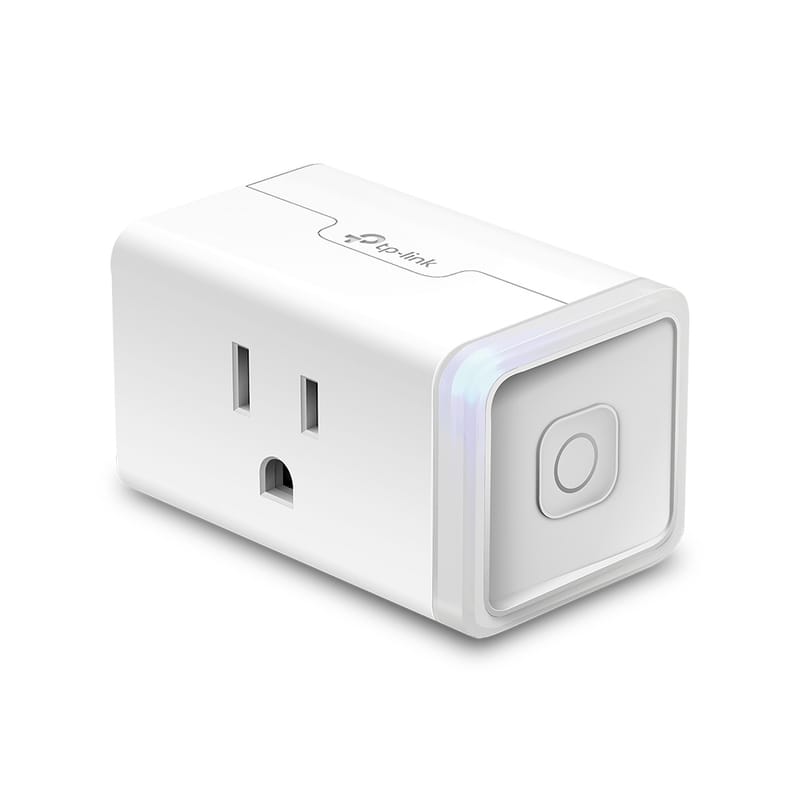
TP-Link Kasa KP125M (4-pack)
Four Matter smart plugs with energy monitoring that move out with you.
- Matter over Wi-Fi (2.4 GHz), no hub required
- Energy monitoring in the Kasa app
- 15 A / 1800 W max load
- Works with Apple Home, Alexa, Google Home
~$40–50 (check current)
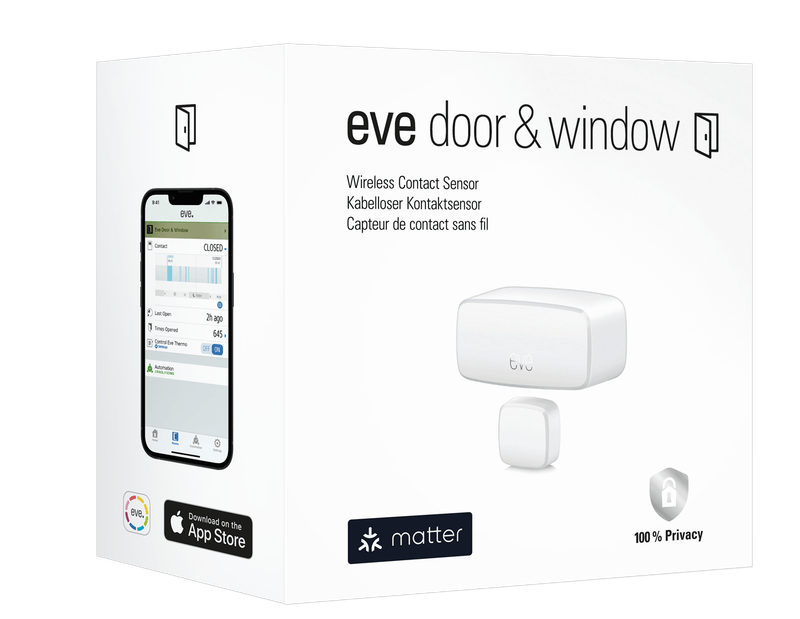
Eve Door & Window
Removable open-close sensing for Apple and Matter homes.
- Matter over Thread
- Adhesive mount, no drilling
- Battery powered, no cord
~$35–50 (check current)
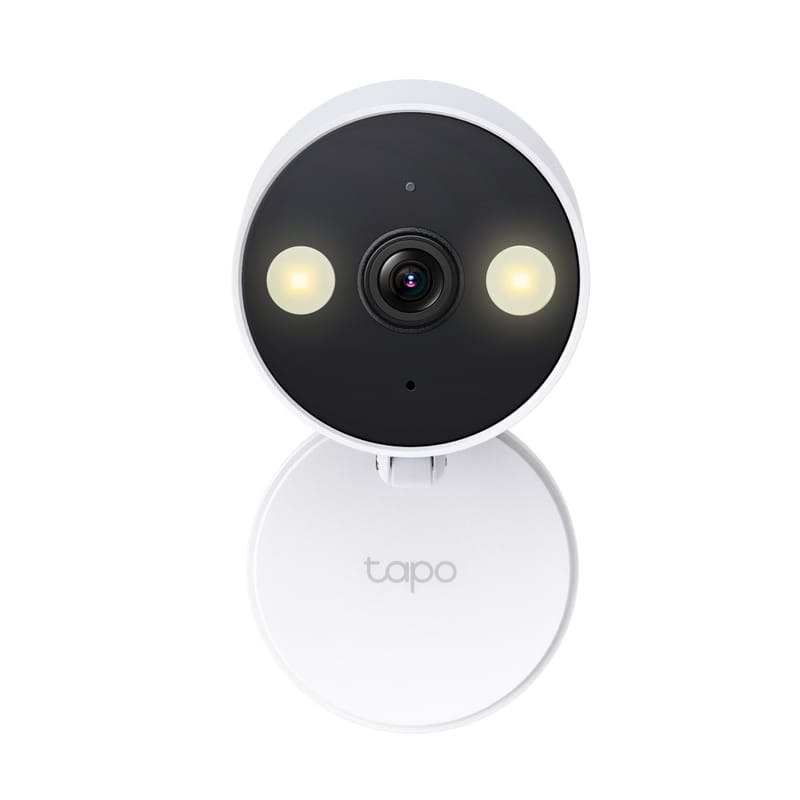
TP-Link Tapo C120
Small plug-in camera for private, lease-safe spots.
- 2K resolution, indoor/outdoor rated
- Shelf or table placement, no drilling
- Local microSD or optional cloud storage
~$25–45 (check current)
Category fit table
No-drill smart home category fit
| Situation | Setup friction | Renter fit | Check before buying |
|---|---|---|---|
| Smart bulbs | Low | Good when bulb swaps are allowed | Bulb size, brightness, dimmer compatibility, hub/ecosystem |
| Smart plugs | Low | Good for lamps and safe plug-in loads | Load rating, plug shape, app/ecosystem, indoor/outdoor use |
| Leak sensors | Low | Good near sinks, laundry, and water heaters | Battery, alert method, hub requirement, safe placement |
| Contact sensors | Low to medium | Depends on adhesive and surface | Removal method, paint risk, hub requirement, lease rules |
| Portable cameras | Medium | Only where lease, privacy, and placement rules allow | Recording rules, account security, cord safety, field of view |
What to skip first
Do not replace hardwired switches, outlets, thermostats, or doorbells in a rental unless you have permission and the work is safe and legal for your situation — they create electrical risk and move-out repair work. Be careful with cameras anywhere guests, neighbors, roommates, kids, or workers expect privacy.
Sources checked
- Kasa KP125M smart plug official page
- Eve Door & Window official page
- TP-Link Tapo C120 official page
- FTC Consumer Advice: How To Secure Your Home Wi-Fi Network
FAQ
Do renters need a smart home hub?
Not always. Many starter devices work through a phone app, Wi-Fi, Bluetooth, a Matter controller, or a common voice-assistant ecosystem. The exact requirement depends on the product.
Are adhesive sensors safe for apartment walls?
Sometimes, but adhesive can still damage paint or finishes. Check lease rules and manufacturer removal instructions, and test in a low-visibility spot if allowed.
Are smart plugs safe for every appliance?
No. Check the smart plug rating and the appliance manufacturer guidance. Avoid automating high-draw, heating, or safety-sensitive appliances.